DCP Deliverables
DCP Screening Deliverables
DCP Theatrical Screenings require the following deliverables
- 1 x DCI Compliant Apple Pro Res 4444 Rec 709 2.4 file with 5.1 (L,R,C,LFE,LS,RS) audio.
- (No 5.1? Then 1 x DCI Compliant Apple Pro Res 4444 Rec 709 2.4 file with stereo audio.)
- The above files should be in your film’s original frame rate. We will do all frame rate conversions when we make the DCPs.
DCI Compliant Aspect Ratios are as follows:
2K:
1920x1080 HD 1.78
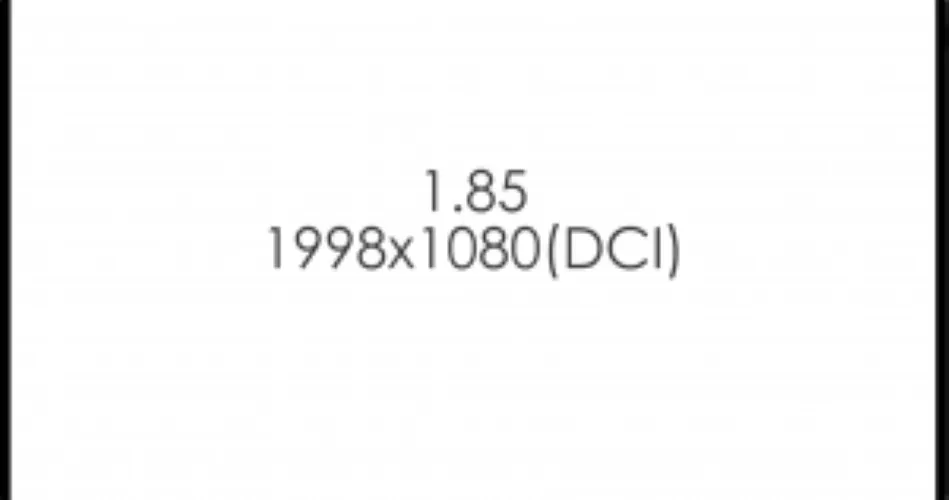
1998x1080 DCI Flat 1.85
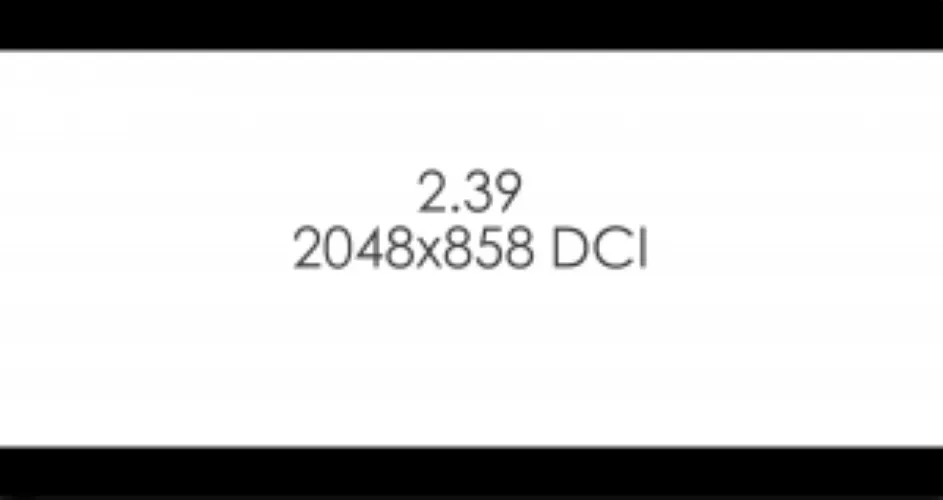
2048x858 DCI Scope 2.39
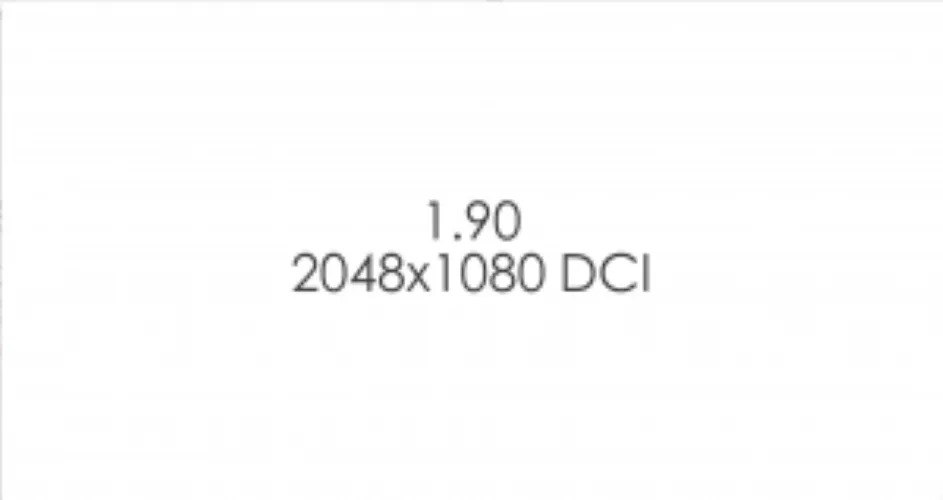
2048x1080 DCI Full 1.90
4K:
3840x2160 UHD 1.78
3996x2160 DCI Flat 1.85
4096x1716 DCI Scope 2.39
4096x2160 DCI Full 1.90
If you have a different aspect ratio please fit that inside a 1998x1080 frame size if 2k or a 3996x2160 if 4k
Uploading DCP Theatrical Screeners
https://cu-soa-upload.portal.massive.io/
Upload times are dependent on your connection. Please budget enough time to upload your file based on your connection circumstances to ensure you meet the CUFF deadline.
Additional DCP Information
All films for CUFF and the Second Year Film Final Screenings are screened as DCPs. Columbia University Film Program will encode a DCP from your Digital Master file at no cost.
A DCP is a Digital Cinema Package – the digital version of a 35mm print – based on the DCI (Digital Cinema Initiative) Standard.
The DCI Standard consists of the following:
- JPEG 2000 Codec and 24fps 250 mb/s either Interop or SMPTE in XYZ color space
- (We convert your high quality Pro Res 4444 digital file into this format )
- 2K / 4k Picture with the following aspect ratios:
- 2K:
1920x1080 HD 1.78
1998x1080 DCI Flat 1.85
2048x858 DCI Scope 2.39
2048x1080 DCI Full 1.90 - 4K:
3840x2160 UHD 1.78
3996x2160 DCI Flat 1.85
4096x1716 DCI Scope 2.39
4096x2160 DCI Full 1.90
- 2K:
Aspect ratios:
Audio with the following channel order:
- Left (L)
- Right (R)
- Center ( C )
- Subwoofer (LFE)
- Left Surround (LS)
- Right Surround (RS)
Subtitles / Captions
Festivals often have specific requirements for captions and subtitles. Please confirm these early.
- Burned-in (Open) Subtitles
The simplest option. Subtitles are permanently visible to the entire audience. - Closed Captions (CC)
Include all dialogue plus descriptions of audio (e.g., music playing, phone ringing). These are only visible to viewers with compatible caption devices. - Open Captions (OC)
Same content as closed captions but always visible on screen to the entire audience.
If your DCP requires closed or open captions, you must provide:
- A reference file (H.264 MP4) with captions burned in.
- A corresponding .srt file containing the captions.
Festival Ready Drive
If you want a festival ready CRU Drive and Protective Case for festivals after the CUFF screening, go to the Digital Assets Request Form and make a request. We can format your festival ready DCP in any of the supported DCI aspect ratios (1:85, 1:90, 2:39). If you have any questions about this or the upload process please send an email to [email protected]
CREATING A DCI COMPLIANT PRORES 4444 FILE
Please see the videos below. If you need additional help please email [email protected]
CREATING AN H264 FILE:
Please see the videos below. If you need additional help please email [email protected]